
mobohubb: Quick Overview
mobohubb is a powerful deskless workforce platform designed to streamline communication, collaboration, and management for on-the-go teams—reducing paperwork, errors, and costs while boosting productivity.
In this page you'll learn
- What is mobohubb?
- Differences between the web and mobiles apps
- Key benefits of mobohubb
- Common terms and definitions to get you started
What is mobohubb?
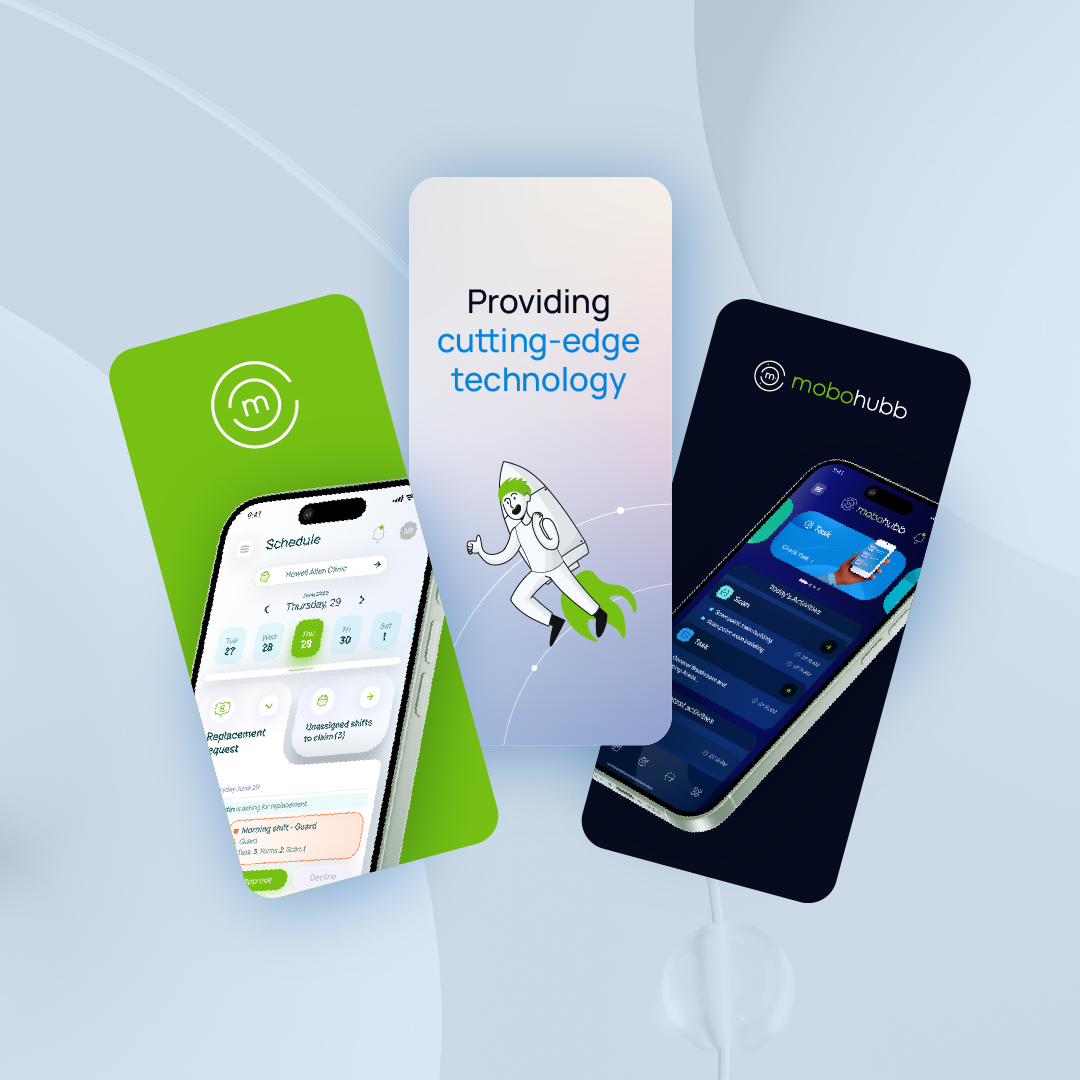
mobohubb is a platform to manage and support workers who do not have a fixed desk or who perform their work outside the office.
Portal & Mobile App
Portal
mobohubb’s Portal is the central hub for configuring your organization. Administrators can define sites, create and manage tasks, control user access, set up branding, assign scan points, and build forms—all from one place.
Mobile App
The Mobile App connects administrators with their deskless workforce. Employees can scan QR or NFC codes, complete tasks, fill out forms, record hours, and share real-time updates, making it easy to stay productive on the go.
Benefits of using mobohubb
Employees can scan checkpoints, mark tasks, send reports, and record working hours directly from their Android or iOS devices.
All activities become instantly visible—boosting productivity, efficiency, and accountability while reducing paperwork and costs.
Mobohubb provides expert support to quickly resolve any issues, along with a revamped UI for a seamless experience.
Benefit from improved security protocols and multiple login options to simplify user identity validation.
Glossary of Terms
This glossary provides quick definitions for commonly used mobohubb terms, ensuring you have the context needed to effectively navigate and utilize our platform.
- Mobile App
A software application developed specifically for smartphones or tablets. - Dashboard
A main screen that centralizes important actions/sections of an application. - Graphical interface/GUI
A digital interface with icons, buttons, and menus for user interaction. - Mobile operating system (mobile OS)
A set of programs that enable mobile apps to run on devices like Android, iOS, or KaiOS. - Navigation bar/Navbar
A screen area displaying key options or functions in an application. - Scroll bar
A horizontal or vertical bar that appears when you need to scroll through on-screen content.
- Log in/login
The process of connecting to and starting use of a system or web platform. - One-time password (OTP)
A temporary code sent by an automated system to verify a user’s identity. - Sign Out
The action of logging out of an application.
- mobohubb Portal (Portal)
The primary administrative interface for managing mobohubb settings and configurations. - mobohubb Web App (Web App)
The desktop version of mobohubb used to access reports, timesheets, and administrative tools. - mobohubb Kiosk (Kiosk)
A specialized interface for on-site check-ins using a tablet or iPad. - Form
A digital document used to collect structured information from users. - Task
A goal or action assigned to a user, which may involve scanning, reporting, or manual completion. - Report
A generated document summarizing key data and metrics.
- Organization
The overall entity or company using mobohubb, capable of managing multiple sites. - Security Group
A category that defines a set of permissions and roles assigned to users. - Permission
The specific access rights granted to a user within the system. - User
An individual who accesses the mobohubb portal or mobile app. - Device
The hardware (such as smartphones or tablets) used to access mobohubb. - Time clock
A function that records the start and end times of work periods. - Time zone
The regional setting that determines how dates and times are displayed. - Branding
The visual and design elements that represent an organization, including logos, colors, and themes.
- Knowledge Base
A centralized repository for guidelines, policies, and documentation. - Support ticket
A request submitted by a user for assistance or to report an issue.
Updated over 1 year ago